

Add Live Chat to Your Joomla Site
Install IMSupporting live chat on Joomla by adding a single script snippet to your active template's footer. One placement covers every page of your Joomla site automatically.
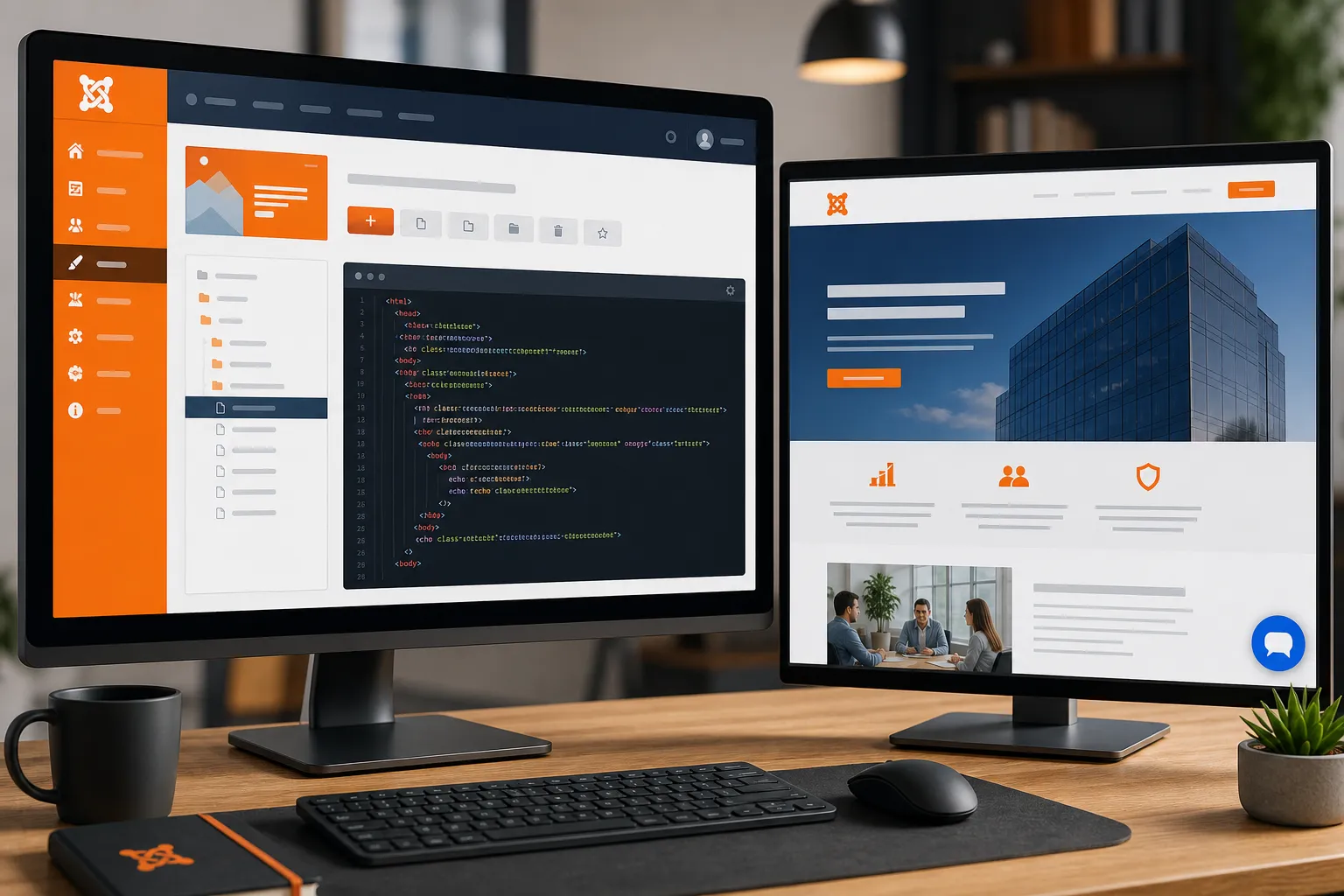
At a Glance — Joomla Install
</body>
Get Your IMSupporting Embed Code
Sign in to IMSupporting and grab your personalised widget snippet before opening Joomla's admin panel.
- Sign in at IMSupporting or create a free account.
- Go to your site's installation or integrations section.
- Copy the full script tag including your unique site ID.
Open Joomla's Template Manager
- Log in to the Joomla Administrator panel.
- Go to Extensions → Templates → Styles.
- Click the star (default) next to your active template to open its settings.
- Click the Edit Template Files button then open index.php.
Add the Snippet Before </body>
- In the template's
index.php, locate the closing</body>tag near the bottom of the file. - Paste the IMSupporting snippet immediately before
</body>. - Click Save (or Save & Close).
Clear the Cache and Test
- Go to System → Clear Cache and clear all cache groups.
- Open your Joomla site in a private browser window.
- Confirm the IMSupporting chat launcher appears on every page.
- Send a test message and check it arrives in your IMSupporting dashboard.
Troubleshooting & FAQ
The chat widget is not appearing on my Joomla site
First clear all Joomla cache groups via System → Clear Cache. Then check in a private window. If still missing, verify the snippet is placed before the closing </body> tag in the template file.
Which Joomla versions does this work with?
The JavaScript snippet is compatible with Joomla 3.x, Joomla 4.x, and Joomla 5.x. The Template Manager location varies slightly by version.
Will a Joomla template update remove my change?
Yes, template updates can overwrite index.php. Consider using a child template or a custom HTML module for a more update-safe approach.
Can I get help setting this up on Joomla?
Yes. Visit our free integration assistance page and we'll walk through the template placement with you.
Ready to Go Live on Joomla?
Once the widget is installed, configure AI responses and workflows so every visitor gets instant, personalised support.