
Add a note to the order
Ask for an order number in your pre-chat form. When the chat closes, your automation finds the order in your shop system and adds the AI summary as a note.
New: Integrations
When a chat starts, ends, a message arrives out of hours or a visitor leaves feedback, IMsupporting sends the details to your CRM, helpdesk, spreadsheet, Zapier, Make, n8n or your own code. Every event is signed, sent over HTTPS and retried until your system confirms it.
Already in use with police forces and councils across the UK.
The short answer
In short
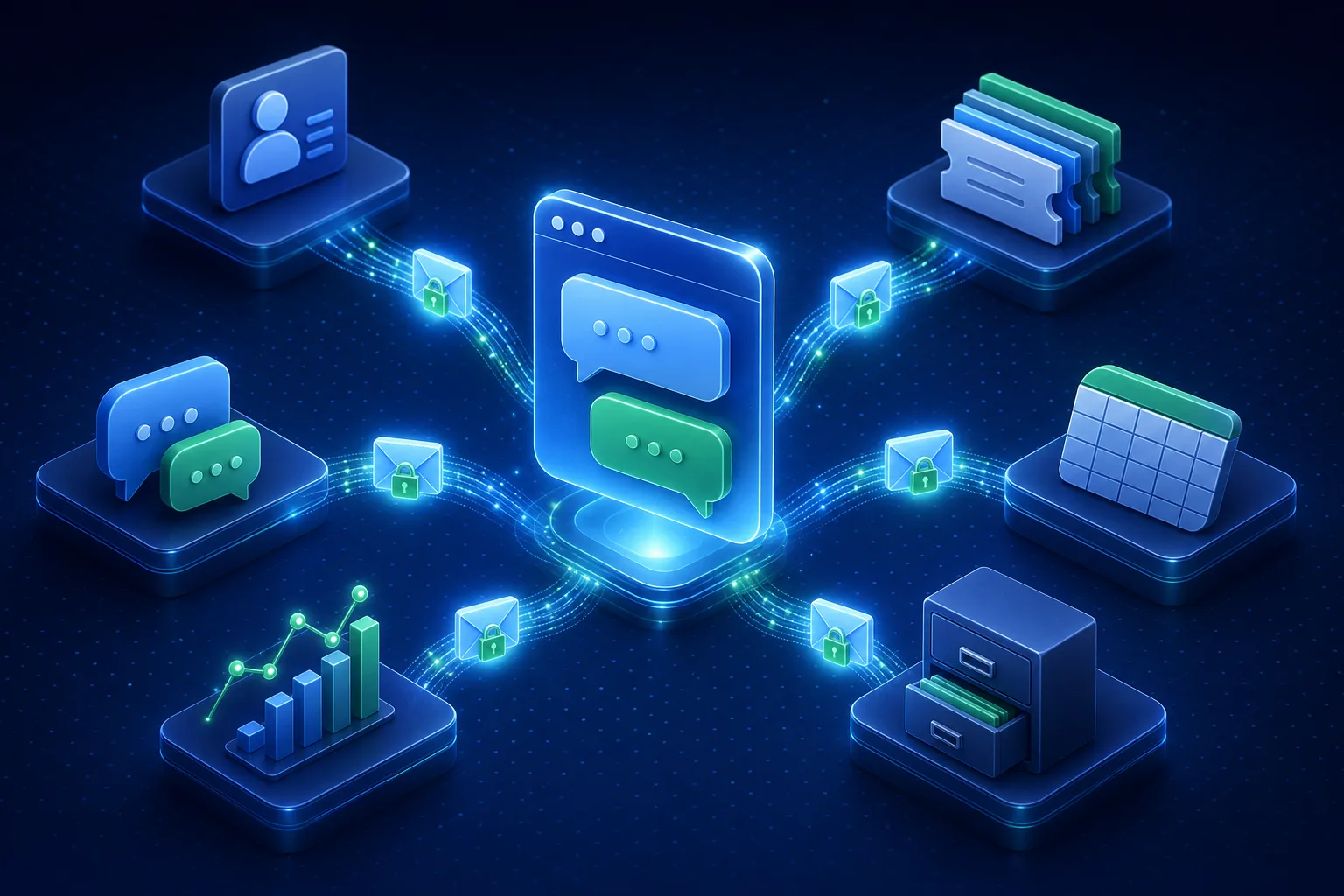
Live chat webhooks are automatic, signed messages that IMsupporting sends to your other systems the moment something happens in your live chat. They turn every conversation into data your CRM, helpdesk, reporting and automation tools can act on, with no exports, copying or polling.
Most live chat software keeps conversations inside its own dashboard. That's fine until a sales lead needs to be in the CRM, an out-of-hours message needs to be a ticket, or your manager wants chat feedback next to phone and email figures in one report.
Webhooks fix that. You add a secure web address (an endpoint) in your dashboard, choose the events you care about, and we post each one to it as it happens. Your system replies "got it", and if it doesn't, we keep trying.
How it works
A visitor chats on your website. When the chat starts, ends or gets a rating, IMsupporting seals the details in a signed message, sends it over HTTPS and waits for your system to say it arrived.
Event explorer
Pick an event to see when it's sent, what it carries and a real example of the JSON your system receives. Values are examples.
chat.started A visitor starts a chatSent when someone starts a chat with a person or with the AI agent, including when they accept an operator's chat invitation.
"data": {
  "chat": {
    "session_id": "a1b2c3d4e5f6g7h8i9j0",
    "started_at": "2026-10-06T14:20:02Z",
    "department": "Sales",
    "source": "flow_widget",
    "started_via": "chat_button",
    "handled_by": "ai",
    "operator": null
  },
  "visitor": {
    "name": "Alex Smith",
    "email": "alex@example.com",
    "phone": "+44 7700 900123"
  },
  "page_url": "https://www.example.com/pricing",
  "prechat_fields": [
    { "label": "Order number", "value": "10452" }
  ]
}
chat.closed A chat endsSent when an operator closes a chat, when an AI agent chat times out and when a chat flow finishes. It's the richest event, and the one most teams start with.
"data": {
  "chat": {
    "session_id": "a1b2c3d4e5f6g7h8i9j0",
    "started_at": "2026-10-06T14:20:02Z",
    "closed_at": "2026-10-06T14:32:10Z",
    "closed_by": "sarah",
    "operator": "Sarah",
    "department": "Sales",
    "category": "Pricing question",
    "visitor_message_count": 6,
    "operator_message_count": 5,
    "abandoned": false,
    "abandoned_reason": null,
    "handled_by_ai": false
  },
  "visitor": {
    "name": "Alex Smith",
    "email": "alex@example.com",
    "phone": null
  },
  "prechat_fields": [
    { "label": "Order number", "value": "10452" }
  ],
  "ai_summary": {
    "summary": "Alex asked about annual pricing and was sent a quote.",
    "sentiment": "Positive"
  },
  "transcript": [
    { "from": "visitor", "name": "Alex Smith",
      "text": "Hi, do you offer annual plans?",
      "sent_at": "2026-10-06T14:20:15Z" },
    { "from": "operator", "name": "Sarah",
      "text": "We do. I can send you a quote now.",
      "sent_at": "2026-10-06T14:20:41Z" }
  ],
  "transcript_included": true
}
offline_message.created A message arrives while you're closedSent when a visitor leaves a message while chat is offline, from the classic chat widget or a chat flow.
"data": {
  "offline_message": {
    "id": 8812,
    "received_at": "2026-10-06T22:05:40Z",
    "message": "Please call me back about my order tomorrow morning.",
    "department": "Support",
    "source": "flow_widget",
    "session_id": "k1l2m3n4o5p6q7r8s9t0",
    "ticket_id": null
  },
  "visitor": {
    "name": "Jo Bloggs",
    "email": "jo@example.com",
    "phone": "01632 960123"
  }
}
feedback.submitted A visitor rates a chatSent when a visitor rates a chat or leaves a comment, in the chat window or from the rating link in a transcript email.
"data": {
  "feedback": {
    "id": 3301,
    "session_id": "a1b2c3d4e5f6g7h8i9j0",
    "rating": 5,
    "rating_scale": 5,
    "comment": "Quick and helpful, thank you!",
    "answers": [
      { "question": "Did we solve your problem?", "answer": "Yes" }
    ],
    "department": "Sales",
    "source": "chat_widget",
    "submitted_at": "2026-10-06T14:33:02Z"
  },
  "visitor": {
    "name": "Alex Smith",
    "email": "alex@example.com",
    "phone": null
  }
}
Every event shares the same outer envelope: id (for example msg_2f6c1d0e9a8b7c6d5e4f3a2b, the same on every retry), type, timestamp, api_version, site_id and data. Values we don't have are null, and visitor IP addresses and private operator notes are never included.
Use cases
Each idea is a simple recipe: when an event happens, then your tool does something with it. Build them with Zapier, Make or n8n, or a few lines of your own code.
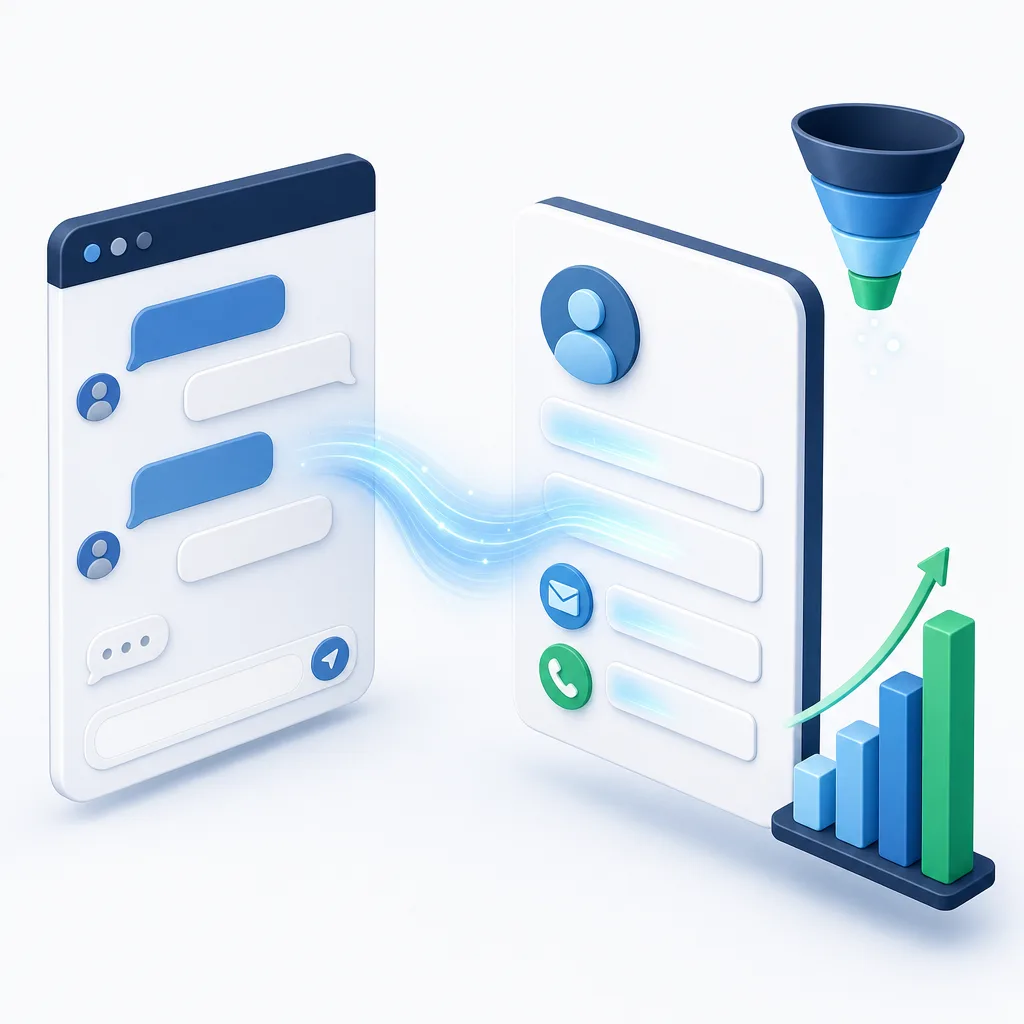
Stop retyping chat details. Every lead lands in your CRM with the conversation attached.
chat.closed
Create or update the contact in your CRM
Match on email, add the AI summary to the timeline and attach the transcript, in tools such as HubSpot, Salesforce or Pipedrive through your automation tool.
chat.started
Ping the sales channel while the visitor is still there
Filter on the Sales department or the page they're on (a pricing page, say) and post an alert to Microsoft Teams or Slack.
chat.closed
Chase the visitors who gave up
abandoned is true when someone left before getting a reply. If they gave an email or phone number, add them to a call-back list.
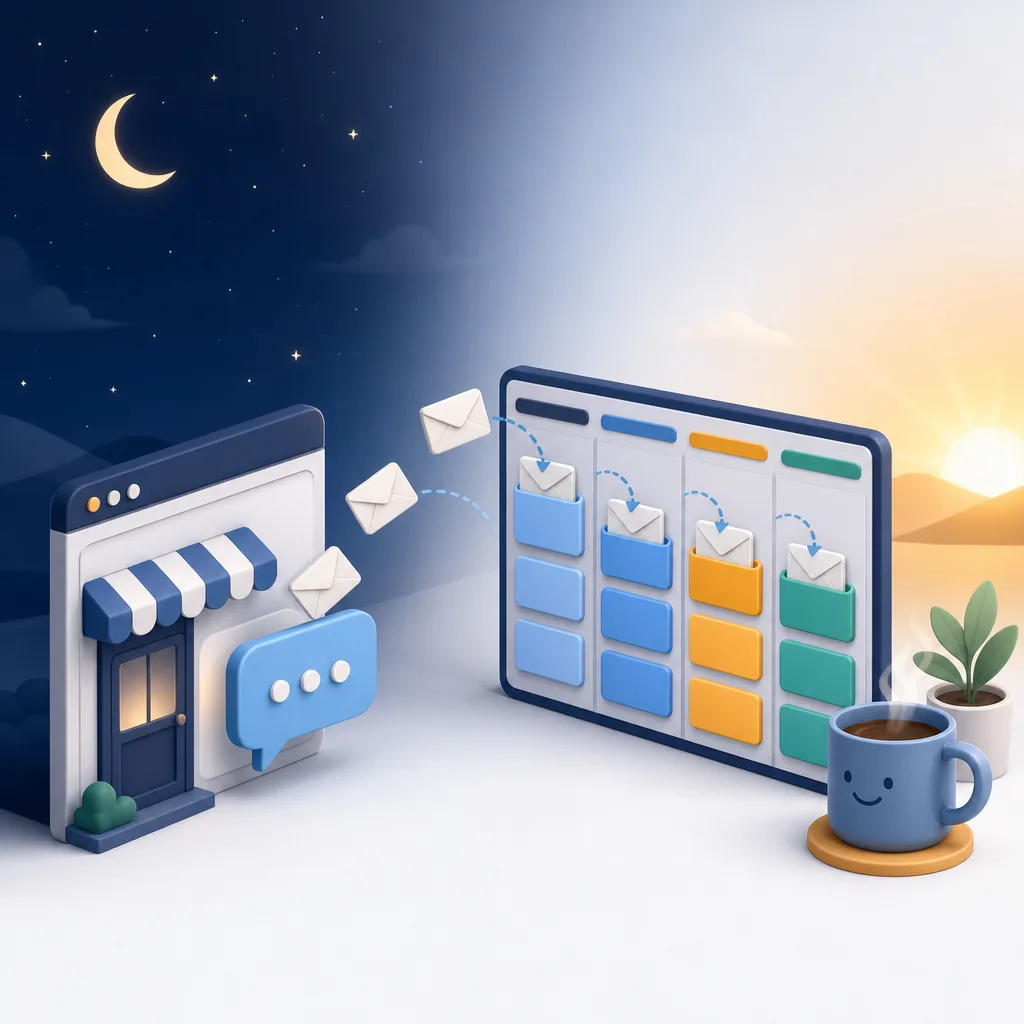
Nothing waits in an inbox. Out-of-hours messages and follow-ups become tickets automatically.
offline_message.created
Open a ticket in your helpdesk
Zendesk, Freshdesk, Jira Service Management or your own queue, with the visitor's details and department already filled in.
chat.closed
Turn a chat category into a follow-up task
Your team picks a category when they close a chat. "Refund request" or "Callback needed" can create a task in the right queue, with the transcript attached.
chat.closed
Keep a searchable archive
Save each transcript to SharePoint, Google Drive, a database or a data warehouse, and keep it for as long as your own policy says.
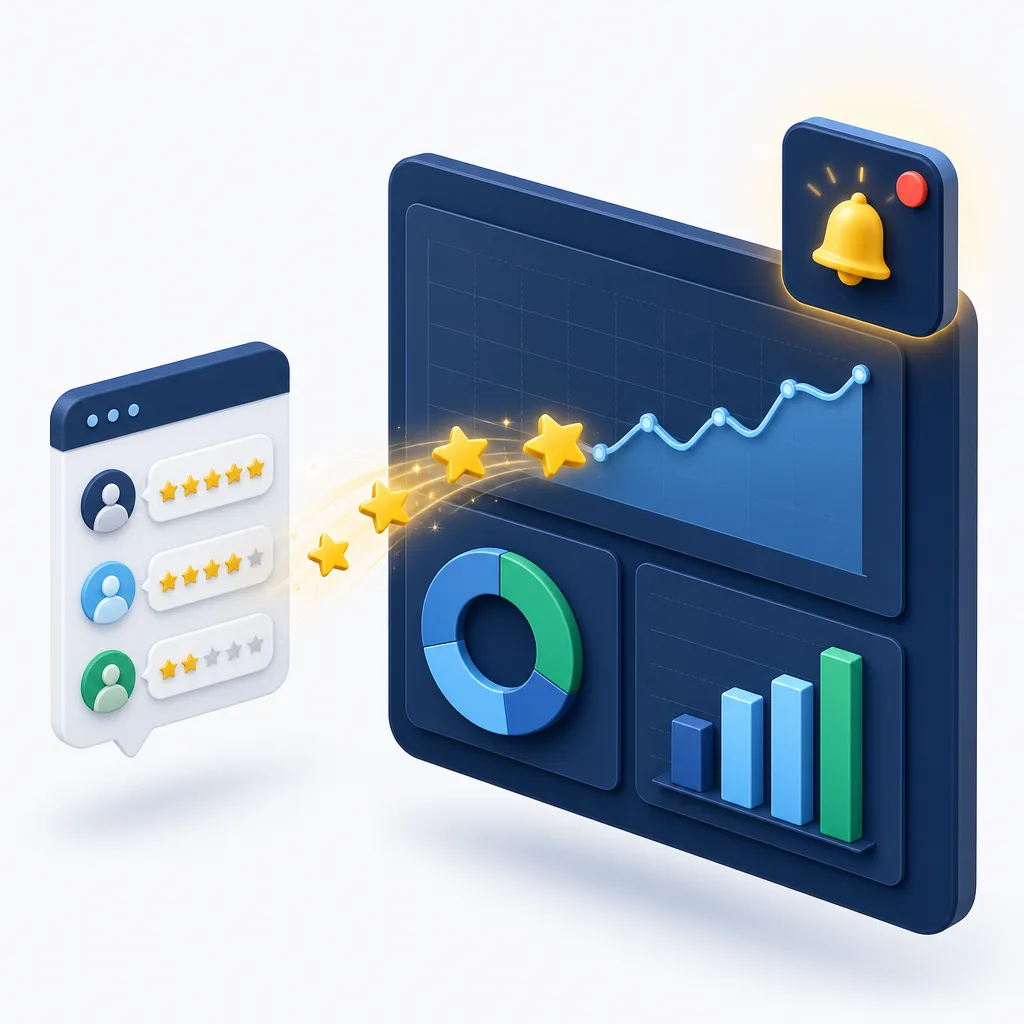
Put chat next to your phone and email figures, and hear about unhappy customers in minutes, not at month end.
feedback.submitted
Alert a team leader about low ratings
Filter on a rating of 1 or 2 and send an email or a Teams message with the comment and a link back to the chat.
feedback.submitted
Build a live satisfaction report
Append every rating to Google Sheets or Excel, or feed Power BI or Looker Studio, split by department.
chat.closed
Measure AI and human chats side by side
handled_by_ai, message counts and AI sentiment show how much your AI agent resolves and where people step in.
Ask for an order number in your pre-chat form. When the chat closes, your automation finds the order in your shop system and adds the AI summary as a note.
Hotels, salons, garages and clinics: send out-of-hours messages to the booking team's shared inbox or diary tool so the first call in the morning is a confirmation.
When a visitor gives 5 stars and left an email, send a friendly follow-up asking for a public review.
Chat flow answers (job type, postcode, budget) arrive as labelled fields, ready to drop into a quote template or job sheet.
page_url on every chat.started shows which products, services or help pages make people reach out.
Send every client account's chats into one reporting database, with site_id telling them apart.
Public sector
Public services need a record of every contact and a reliable route for anything that needs action. Webhooks deliver both to systems your organisation controls.
Police non-emergency contact
chat.closed shows when someone left before a reply, so you can review them under your own policies.There are no built-in records management, command and control or case management connectors. Events go to an endpoint your force or council runs, such as Azure Logic Apps, Power Automate or your integration hub, which then updates your systems under your own rules. Nothing is actioned automatically on our side.
Read more: live chat for police and live chat for councils.
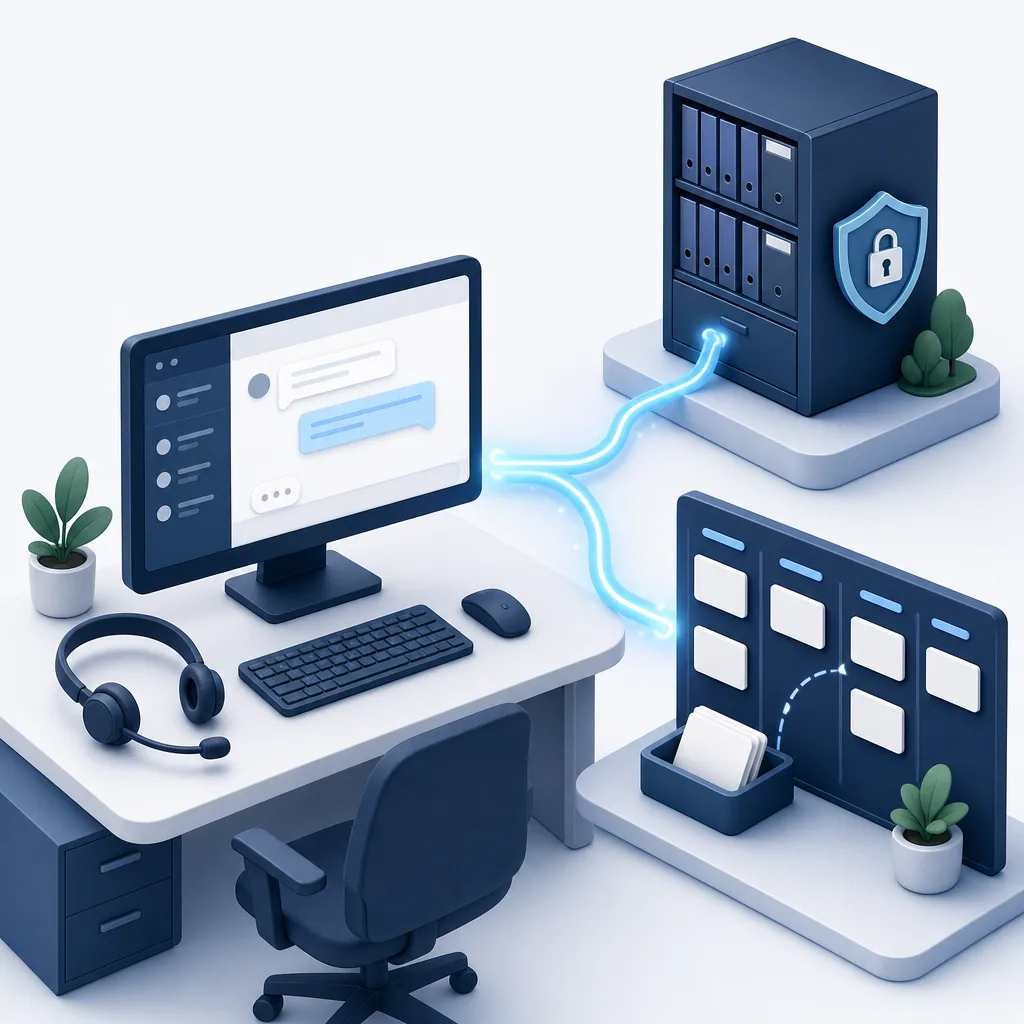
Log every resident conversation against the right service, such as waste, council tax or housing repairs, and create a case when a chat needs follow-up.
You decide which events and fields leave the chat, where they're stored and for how long. Full conversations are off until an administrator turns them on.
Open format, signed requests, HTTPS only, no IP addresses, administrator-only setup and a 30-day delivery log give your security and DPIA reviewers clear answers.
No code needed
You don't need a developer to start. Automation tools give you a web address that "catches" incoming events. Paste it into IMsupporting as your endpoint, press Send test event, then build what happens next with clicks.
From there you can reach thousands of apps: CRMs, helpdesks, spreadsheets, email, SMS, Microsoft Teams and Slack.
Most no-code tools don't check our signature, so treat the catch address like a password: keep it private, and create a new one if it's ever shared.
Create a Zap with the Webhooks by Zapier trigger and choose Catch Hook, then paste the address into IMsupporting.
Zapier: trigger Zap workflows from webhooks
Zapier's webhook triggers need a paid Zapier planStart a scenario with the Custom webhook module. Make gives you a unique address to paste in, and works out the data structure from your test event.
Add a Webhook trigger node set to POST. n8n can be self-hosted, and a Code step can check our signature before anything else runs.
The When a HTTP request is received trigger gives you a secret https:// address that can post to Teams, SharePoint, Dynamics 365 or your own services.
The When an HTTP request is received trigger works too, but Microsoft is making new flows accept only signed-in users from your organisation by default. To receive our events, the flow must allow Anyone to trigger it, which your Microsoft 365 administrators may restrict.
Any server that can receive an HTTPS POST: PHP, Node.js, Python, .NET, Go, or a serverless function. Copy-ready samples are below and in your dashboard.
Stuck? Ask the AI Integration Helper in your dashboard, or use our free integration assistance.
Slack and Discord webhook addresses expect their own message format, so put an automation tool in between. For chats that use a ChatFlow, the ChatFlow Webhook step can post to Slack and Discord directly.
For developers
We follow the open Standard Webhooks specification, the same format used by companies such as OpenAI, Twilio, PagerDuty and Svix. Any Standard Webhooks library can verify our requests, or use the samples below.
| Header | What it is |
|---|---|
webhook-id | The event id, such as msg_2f6c1d0e9a8b7c6d5e4f3a2b. It stays the same on every retry, so use it to ignore duplicates. |
webhook-timestamp | When this attempt was sent, in Unix seconds. Reject anything more than 5 minutes old. |
webhook-signature | v1, then the Base64 HMAC-SHA256 of id.timestamp.body made with your secret. For 24 hours after you create a new secret there are two signatures, separated by a space. |
<?php
$secret    = getenv('IMS_WEBHOOK_SECRET'); // "whsec_..."
$body      = file_get_contents('php://input'); // raw body
$id        = $_SERVER['HTTP_WEBHOOK_ID'] ?? '';
$timestamp = $_SERVER['HTTP_WEBHOOK_TIMESTAMP'] ?? '';
$header    = $_SERVER['HTTP_WEBHOOK_SIGNATURE'] ?? '';

// Replay protection: 5 minutes either way
if (!ctype_digit($timestamp) || abs(time() - (int)$timestamp) > 300) {
    http_response_code(400); exit;
}

$key      = base64_decode(substr($secret, strlen('whsec_')));
$expected = base64_encode(hash_hmac('sha256',
    $id . '.' . $timestamp . '.' . $body, $key, true));

$valid = false;
foreach (explode(' ', $header) as $part) {
    [$v, $sig] = array_pad(explode(',', $part, 2), 2, '');
    if ($v === 'v1' && hash_equals($expected, $sig)) { $valid = true; break; }
}
if (!$valid) { http_response_code(401); exit; }

http_response_code(204); // reply first, then do the work
$event = json_decode($body, true);
const crypto = require('crypto');
const express = require('express');
const app = express();
app.post('/webhooks/imsupporting',
express.raw({ type: 'application/json' }), (req, res) => {
const secret = process.env.IMS_WEBHOOK_SECRET; // "whsec_..."
const id = req.get('webhook-id') || '';
const ts = req.get('webhook-timestamp') || '';
const header = req.get('webhook-signature') || '';
if (!/^\d+$/.test(ts) || Math.abs(Date.now() / 1000 - Number(ts)) > 300) {
return res.sendStatus(400);
}
const key = Buffer.from(secret.slice('whsec_'.length), 'base64');
const expected = crypto.createHmac('sha256', key)
.update(`${id}.${ts}.`).update(req.body).digest('base64');
const valid = header.split(' ').some((part) => {
const [v, sig] = part.split(',');
return v === 'v1' && sig && sig.length === expected.length &&
crypto.timingSafeEqual(Buffer.from(sig), Buffer.from(expected));
});
if (!valid) return res.sendStatus(401);
res.sendStatus(204); // reply first, then do the work
const event = JSON.parse(req.body.toString('utf8'));
});import base64, hashlib, hmac, os, time
from flask import Flask, request, abort
app = Flask(__name__)
SECRET = os.environ['IMS_WEBHOOK_SECRET'] # "whsec_..."
@app.post('/webhooks/imsupporting')
def imsupporting_webhook():
body = request.get_data() # raw bytes
msg_id = request.headers.get('webhook-id', '')
ts = request.headers.get('webhook-timestamp', '')
header = request.headers.get('webhook-signature', '')
if not ts.isdigit() or abs(time.time() - int(ts)) > 300:
abort(400)
key = base64.b64decode(SECRET[len('whsec_'):])
signed = f'{msg_id}.{ts}.'.encode() + body
expected = base64.b64encode(
hmac.new(key, signed, hashlib.sha256).digest()).decode()
if not any(p.startswith('v1,') and hmac.compare_digest(p[3:], expected)
for p in header.split(' ')):
abort(401)
event = request.get_json()
return '', 204Fuller versions, with comments, are in the Developer guide tab of your dashboard. The Standard Webhooks specification lists official libraries for more languages.
Delivery and retries
If your system is down, busy or mid-deployment, events wait and try again. Seven attempts spread over about a day, then three more days to send them by hand.
Fixed your receiver? Press Send now on a waiting event, or Redeliver a recent one. Each can be used up to three times per event.
If every delivery to an endpoint fails for 3 days, we turn it off and email the account owner. Fix it, press Send test event and switch it back on.
Unusually high activity is limited automatically, so a single visitor or bot can't use up your daily allowance. The owner is emailed if the allowance is reached.
Security and privacy
Webhooks carry customer conversations, so we treat them like it. You choose what is sent and where, and every change that matters is checked and recorded.
Choose the right tool
IMsupporting connects to your systems in four ways. Webhooks report what happened; the others act during the conversation.
| Option | Integrations webhooks | ChatFlow Webhook step | API Form and API Conditional | AI tools |
|---|---|---|---|---|
| When it runs | After a chat starts or ends, an offline message or feedback | At the point you place it in a chat flow | During a chat flow, waiting for your API's answer | When the AI agent decides it needs live data |
| Covers | Every chat on the account, both chat widgets | Chats that use that ChatFlow | Chats that use that ChatFlow | AI agent conversations |
| Signed and retried | Yes: Standard Webhooks signature, 7 attempts over about a day, delivery log | Custom headers you set, short retries, doesn't wait for an answer | Custom headers you set, the chat uses the answer | Called server-side with the authentication you set |
| Best for | CRM records, tickets, archives, reporting | Instant Slack or Discord alerts mid-flow | Submitting forms, checking a reference, branching | Order status, availability, account lookups |
| Learn more | You're here | Webhook step | API Form, API Conditional | AI tool integrations |
| Limit | Free plan and trials | Paid plans |
|---|---|---|
| Endpoints | 1 | Up to 5 |
| Events a day | Up to 500 | Up to 20,000 |
| Test events | Not counted | Not counted |
| Message size | Up to 256 KB | Up to 256 KB |
| Delivery log | 30 days | 30 days |
Webhooks are included on every plan, including free. Create an account, open Integrations and send your first test event in a few minutes.
Start FreeWebhook terms explained
New to webhooks? These are the words you'll see in your dashboard and in integration guides.
Live chat webhooks FAQ
A live chat webhook is a message your live chat software sends to another system the moment something happens, such as a chat starting or ending. Instead of exporting chats or copying details by hand, IMsupporting posts each event as JSON to a secure web address you choose, and your CRM, helpdesk, automation tool or own code takes it from there.
Four: chat.started when a visitor starts a chat with a person or the AI agent, chat.closed when a chat ends, offline_message.created when someone leaves a message while chat is closed, and feedback.submitted when a visitor rates a chat or leaves a comment. A ping test event is sent by the Send test event button. You choose which events each endpoint receives.
Yes. Turn on "Include the full chat transcript" for that endpoint and each chat.closed event carries the public conversation (the newest 500 messages for very long chats). It is off by default, so each endpoint only receives full conversations if an administrator chooses that. Private operator notes are never included.
Usually within a minute of the event. Your endpoint should reply with any 2xx status within 10 seconds and do slow work afterwards. Events can arrive out of order, so use the timestamp in the body if order matters.
We try again after about 1 minute, 5 minutes, 30 minutes, 2 hours, 6 hours and 12 hours. If all 7 attempts fail, the delivery is marked Failed and you can send it again from the Delivery log for 3 days. If every delivery to an endpoint fails for 3 days, we turn the endpoint off and email the account owner. Reply 410 Gone if you want us to stop sending.
Check the signature. Every request carries webhook-id, webhook-timestamp and webhook-signature headers in the open Standard Webhooks format. The signature is an HMAC-SHA256 of the event id, timestamp and raw body, made with your endpoint's secret, so any Standard Webhooks library or the PHP, Node.js and Python samples on this page can verify it.
Yes, through an automation tool. Slack and Teams expect their own message format, so you can't paste their webhook address in directly. Point your IMsupporting endpoint at Zapier, Make, n8n, Azure Logic Apps or Power Automate and let it post the message. For chats that use a ChatFlow, the ChatFlow Webhook step can post straight to Slack and Discord.
No. With Zapier, Make or n8n you paste the address the tool gives you, press Send test event and build the rest with clicks. Connecting your own system needs a small piece of code, and the Developer guide in your dashboard has copy-ready samples. The AI Integration Helper in your dashboard answers setup questions, and our team offers free integration assistance.
Yes. The free plan and free trials include 1 endpoint and up to 500 events a day. Paid plans include up to 5 endpoints and up to 20,000 events a day. Test events don't count towards the daily allowance. See pricing.
Visitor IP addresses and private operator notes are never sent. Full conversations are only sent to endpoints where you turn them on, and AI summaries only appear when AI chat summaries are switched on for your account. Text arrives with HTML tags removed, but always escape values before showing them in a web page.
Yes, through an endpoint they control. There are no built-in connectors for records management, command and control, case management or council CRM systems. Events go to an HTTPS address your organisation runs, such as Azure Logic Apps, Power Automate or your integration hub, which then updates your systems under your own rules. See live chat for police and live chat for councils.
Integrations webhooks cover every chat on your account, are signed and are retried for about a day, and you manage them in one place. The ChatFlow Webhook step fires from a point you choose inside a chat flow, can add custom headers and post straight to Slack or Discord, and doesn't wait for an answer. Many teams use both: the step for in-the-moment alerts, webhooks for records and reporting.
Not directly. The endpoint must be a full https:// address with a domain name (not an IP address) that can be reached from the internet, on port 443 or 8443. Redirects are not followed, so use the final address. Systems on a private network need a public HTTPS front door, such as an API gateway or an integration platform.
Integrations
Start free, add your first endpoint and watch your next chat arrive in your CRM, helpdesk or spreadsheet. Or book a demo and we'll map your integration with you.
Already in use with police forces and councils across the UK.
Zoom with the buttons or + and -. When zoomed, move around with the arrow keys or by selecting a point.