
Add Live Chat to Any Website Platform
Platform-specific step-by-step guides for every major CMS, e-commerce store, and website builder. Pick your platform and be live in minutes — no developer required.
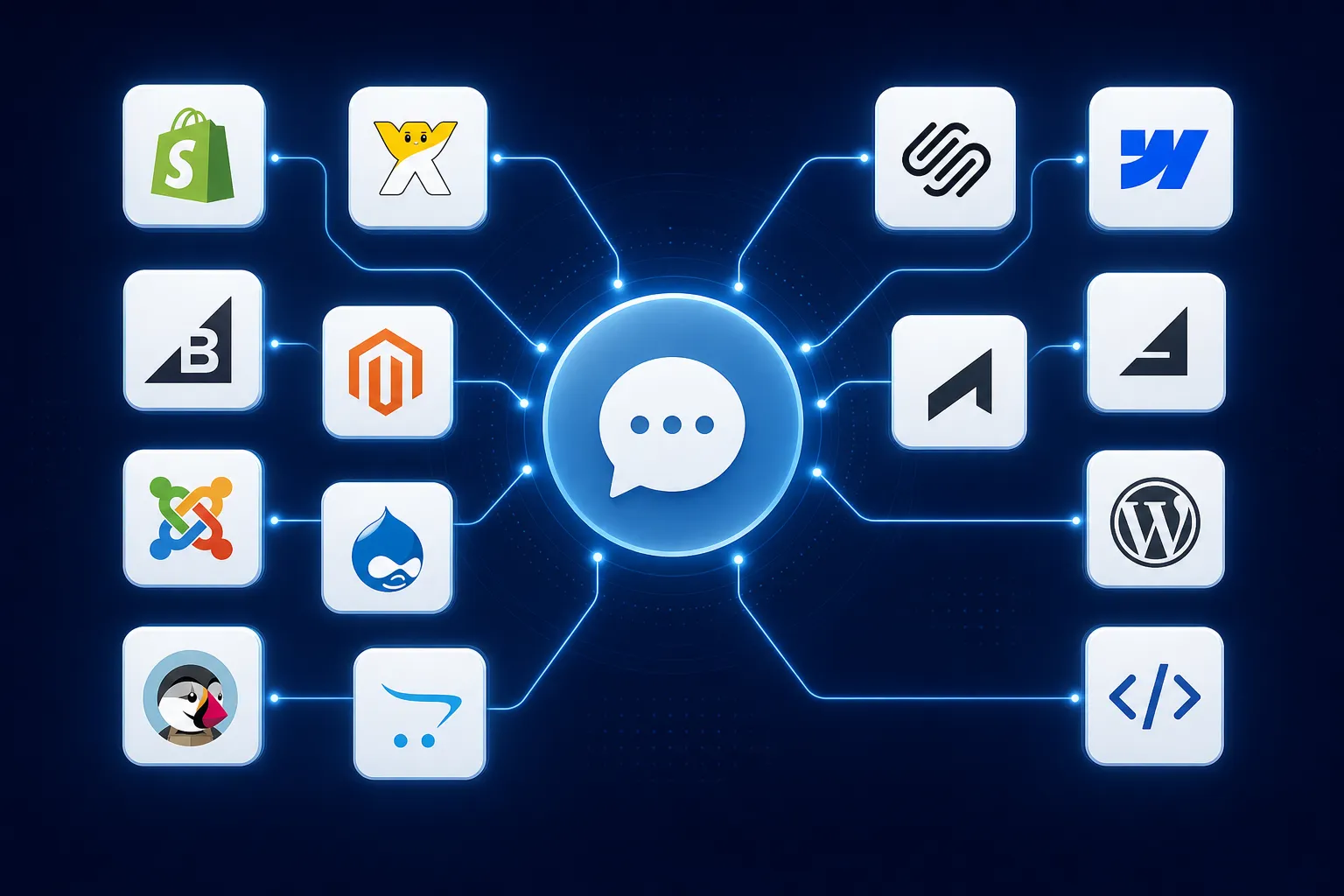
Everything You Need to Get Live
Popular Platforms
Dedicated plugin install with WordPress and WooCommerce support. The easiest path for most sites.
Open guideTheme-level storefront placement for Shopify stores. Works across all product and collection pages.
Open guideCustom Code setup for Wix websites. Site-wide deployment with no page-by-page editing needed.
Open guideSite-wide code injection guidance for Squarespace websites. Add once and test on the live site.
Open guideStorefront & Builder Guides
Project-wide custom code placement for Webflow. Set once in Project Settings for full-site coverage.
Open guideStorefront script placement for BigCommerce stores. Covers the full storefront including product pages.
Open guideTheme or global layout placement for Magento and Adobe Commerce storefronts. Cache-aware guide included.
Open guideGlobal theme placement for PrestaShop storefronts. Works across all category, product, and checkout pages.
Open guideTheme-level placement for OpenCart stores and custom storefronts. Global coverage in a few steps.
Open guideCMS & Custom Sites
Template-wide script placement for Joomla websites. Site-wide coverage without per-article edits.
Open guideTheme-level or global placement for Drupal websites. Works with Drupal caching and deployment tooling.
Open guideGlobal app-shell or template placement for custom websites and frontend frameworks including headless sites.
Open guideGeneral setup guide, CSP notes, and account-specific installation flow. Start here if you are unsure.
Open guideHands-on help if you want us to guide the technical setup for free. We validate the install path and test the result.
Get helpCustom embed options, CSP header requirements, and detailed technical deployment guidance for developers.
Open guideNot Sure Which Guide to Use?
Start with the main installation guide or request free hands-on help with your specific setup.