

Add Live Chat to Your OpenCart Store
Edit your store theme's global footer template once and paste the widget code — it loads on every category, product, and checkout page automatically.
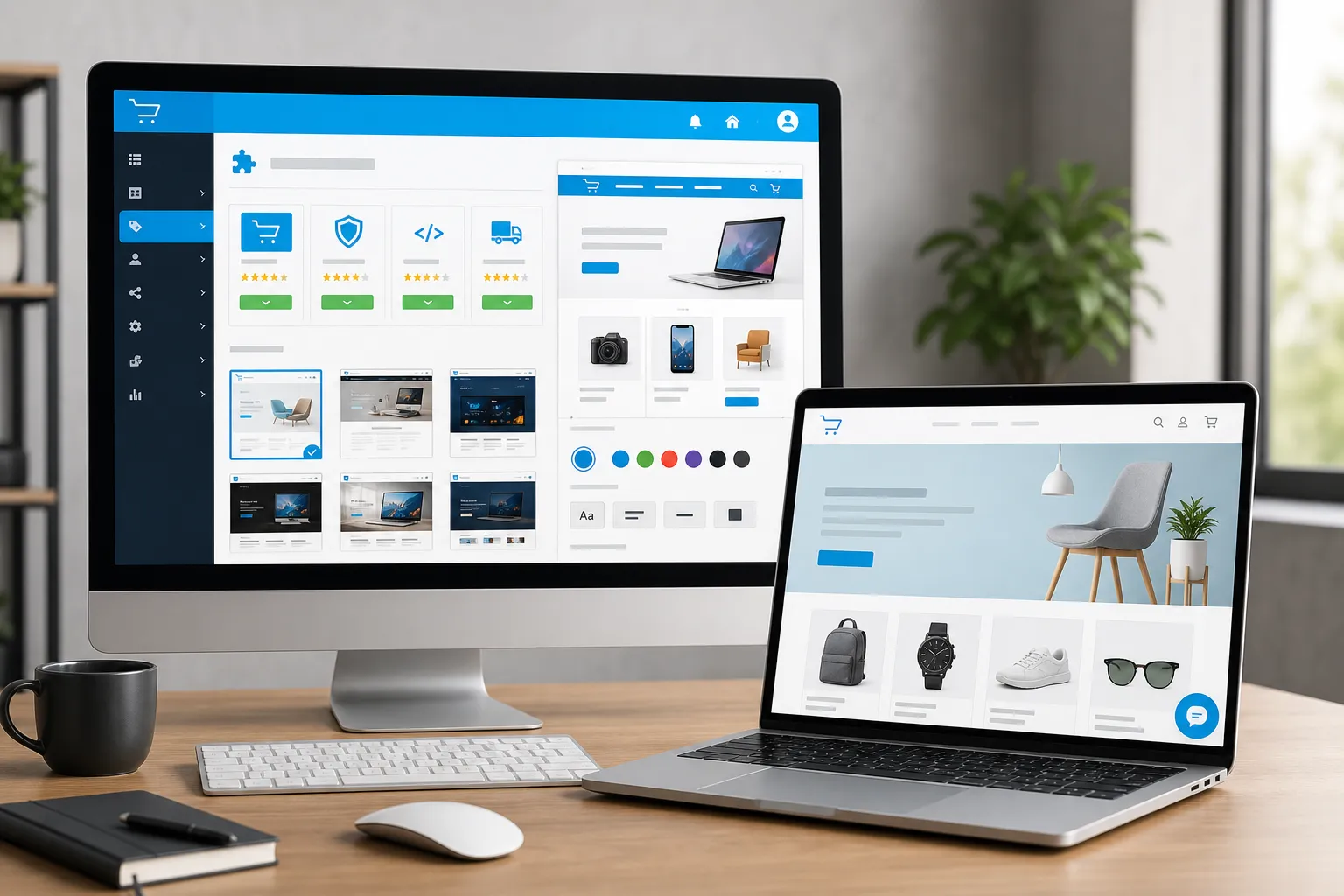
At a Glance
Get Your Widget Code
Log in to your IMSupporting dashboard and copy your widget code from Website Integrations.
- Sign in to your IMSupporting account.
- Go to Settings → Website Integrations.
- Copy the full widget code shown for your site.
Open Your Theme's Footer Template
In OpenCart admin, navigate to the theme file editor or use your hosting file manager to find the global footer template.
- Go to Admin → Design → Theme Editor (OpenCart 3.x / 4.x) or navigate via Admin → Extensions → Theme (OpenCart 2.x).
- Open your active theme's
catalog/view/theme/[your-theme]/template/common/footer.twig(orfooter.tplon older versions). - Alternatively, access it via FTP at
catalog/view/theme/[your-theme]/template/common/.
common/footer file.Paste the Widget Code Before </body>
In the footer template, locate the closing </body> tag and paste your widget code immediately before it.
- Find the closing
</body>tag near the bottom of the footer template. - Paste your IMSupporting widget code on the line directly above it.
- Save the file.
</body> tag is usually in the common footer template. Paste just before it.Clear Cache and Test Your Live Store
OpenCart caches theme files — always clear the cache after editing templates to see changes live.
- Go to Admin → Dashboard and click the blue refresh/gear icon to clear the modification cache.
- Open your live store and verify the chat widget appears on category, product, and homepage.
- Send a test message to confirm it routes to your IMSupporting dashboard.
Frequently Asked Questions
Which file do I edit in OpenCart?
For OpenCart 3.x and 4.x, edit catalog/view/theme/[your-theme]/template/common/footer.twig. For OpenCart 2.x, edit footer.tpl in the same common/ directory. The file containing the global </body> tag is the right one to edit.
The widget isn't showing — what should I check?
Clear the modification cache from the Admin Dashboard (the gear/refresh icon). Verify you edited the correct active theme's template. Also check that there are no JavaScript errors on the page using browser DevTools.
Will it work on all store pages?
Yes — placing the widget in the global footer template ensures it loads on every page: homepage, category pages, product pages, cart, checkout, and customer account pages.
Can IMSupporting help with the OpenCart setup?
Absolutely. Use the free integration assistance service and the team will help validate the correct placement for your specific OpenCart setup.
Ready to Add Live Chat to OpenCart?
Set up your IMSupporting account in minutes and start converting store visitors into customers today.