
Quick Setup
Edit your OpenCart footer template once, paste one line of code, and live chat appears on every page of your store. No plugin updates to worry about.
Add AI live chat to your OpenCart store. Answer product questions, reduce abandoned baskets, track orders and hand off to your team when needed. Free plan available.
Go live in minutes with AI-powered chat on your OpenCart store.
OpenCart is a powerful ecommerce platform, and adding live chat makes it even better. IMSupporting's AI chat widget works with any OpenCart theme and version - no complex plugin installation required.
Your AI agent can answer product questions, track orders, help with returns and hand off to your human team when a customer needs personal attention. All from one simple JavaScript snippet added to your OpenCart footer template.
IMsupporting is UK-hosted and GDPR-ready, built for businesses that want live chat, AI support and human handoff without sending visitors through a confusing support journey.
Run a different platform too? See our broader ecommerce live chat guide, or live chat for Magento and BigCommerce stores.
Start Free Today No credit card required. Free plan includes 1 operator, 1 AI agent, 25 free AI credits every month, and AI to human handoff.
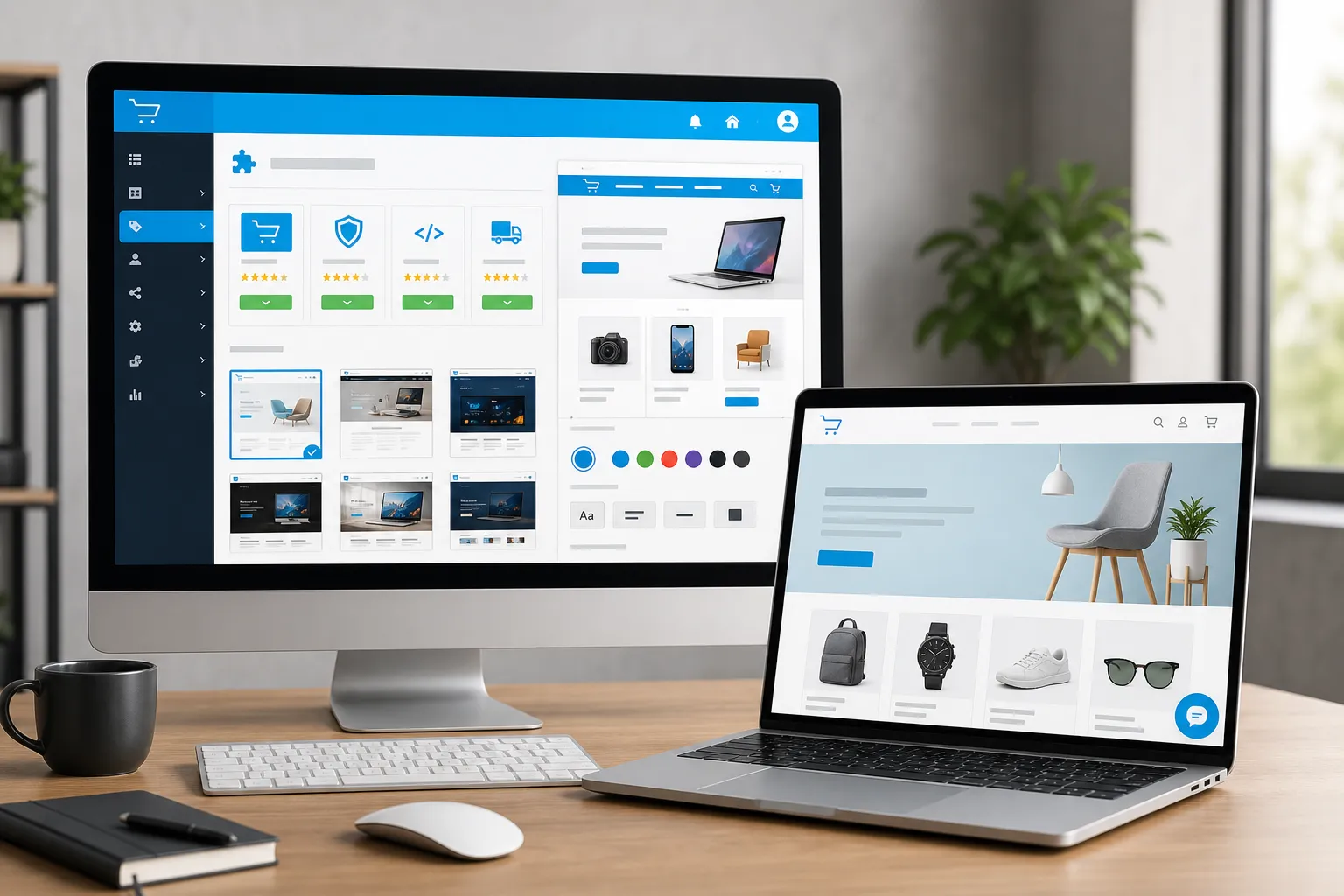
Turn more OpenCart visitors into paying customers.
Edit your OpenCart footer template once, paste one line of code, and live chat appears on every page of your store. No plugin updates to worry about.
Your AI agent answers "Where is my order?" automatically. Reduce support tickets and let your team focus on sales.
When a customer hesitates at checkout, the AI can proactively offer help with shipping or product questions before they leave.
Complex questions about custom orders or wholesale pricing? The AI hands off to you with full context so the customer never repeats themselves.
OpenCart stores often sell internationally. The AI agent can support multilingual customer journeys where configured, helping customers wherever they are.
Customise the chat widget colours and launcher to match your OpenCart store's branding. Looks native on any theme.
Common questions about adding live chat to OpenCart.
Yes. IMSupporting works with OpenCart 3.x and 4.x. The chat widget is added via a JavaScript snippet in your footer template - no version-specific plugin needed.
No extension is required. A single line of JavaScript added to your footer.twig file puts live chat on every page. Our OpenCart installation guide shows you how.
No. The widget loads asynchronously after your page renders. Your OpenCart store speed is unaffected.
Yes. Upload your product descriptions and the AI learns your catalogue. It can answer sizing, compatibility and stock questions from your own product data.
Free forever: 1 operator, 1 AI agent, 1 concurrent chat, 25 free AI credits every month, workflow builder and AI to human handoff. No credit card needed.
Yes. Our team can help you add the chat widget to your OpenCart store at no cost. See our free integration assistance page.
Start free with no credit card. Free forever plan includes AI chat, human handoff, workflows and 25 AI credits every month.